Adding a connection
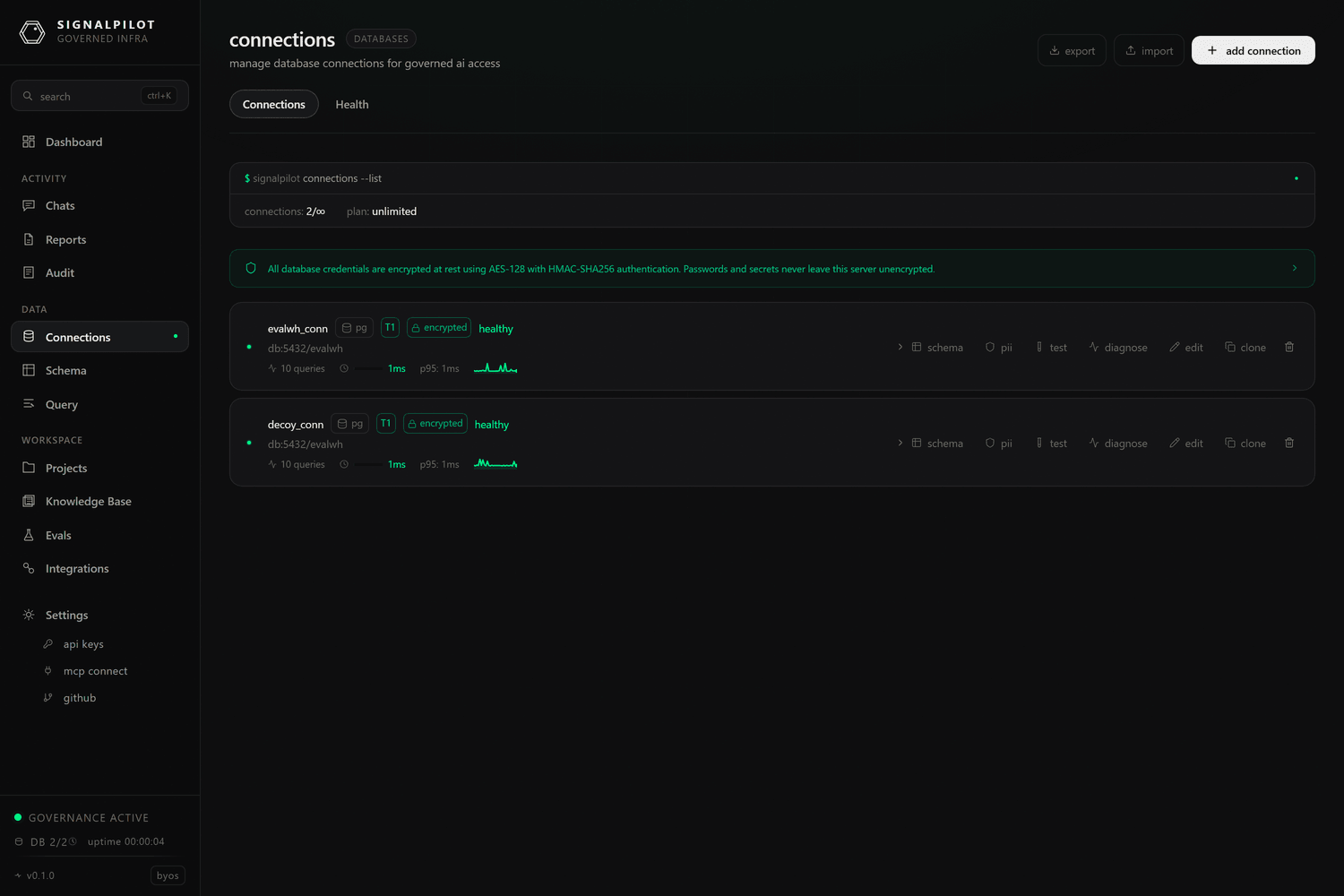
Connections → Add Connection is where a warehouse becomes something the agent can use. This page covers the form itself; for per-engine specifics see the Databases section, and for the API shape see Connect a database.
Quick-start presets
The form opens on a preset list rather than a blank connector picker, because most connections are a known shape:
PostgreSQL · AWS RDS PostgreSQL · GCP Cloud SQL (PG) · Xata Postgres ·
MySQL · AWS RDS MySQL · SQL Server · Azure SQL Database · Snowflake ·
Snowflake (Key Pair) · Google BigQuery · BigQuery (Service Account) ·
Amazon Redshift · Redshift Serverless · Databricks · Databricks (OAuth) ·
ClickHouse · ClickHouse Cloud · Trino · Starburst Galaxy (Trino) ·
DuckDB (local file or in-memory) · MotherDuck · SQLite ·
SSH Tunnel (any DB)
Picking one pre-fills ports, SSL defaults, and the auth method that engine normally uses. Everything stays editable.
Fields and credentials
You can enter a connection two ways: fields (host, port, database, user, password) or a connection string. Use whichever your credentials arrive in; the stored result is the same, and credentials are encrypted at rest.
Engine-specific authentication:
| Engine | Methods |
|---|---|
| Snowflake | password, key pair (JWT), OAuth, MFA, programmatic access token, Okta |
| Trino / Starburst | none, basic, JWT, Kerberos, certificate |
| BigQuery | service-account JSON, application default credentials |
| Databricks | personal access token, OAuth |
| Redshift | password, AWS IAM |
| SQL Server | SQL auth, Azure AD / Entra ID |
Network options
- SSL —
disable,allow,prefer,require,verify-ca,verify-full, with optional CA / client certificate material.verify-fullis the right choice for anything crossing a network you do not control. - SSH tunnel — reach a warehouse that has no public listener by tunnelling through a bastion. See SSH tunnelling for the key handling and jump-host details.
- IP allowlisting — if your warehouse restricts inbound IPs, allow the gateway's egress addresses. The form shows which apply to your deployment.
- Timeouts — connection timeout (15 s default) and query timeout (120 s default), plus an optional keepalive interval for long-lived pools.
Scope, schemas and refresh
- Scope — a workspace connection is shared across all projects. Scope it to a project when only that project should see it.
- Schema filters — comma-separated include and exclude lists. On a warehouse with hundreds of schemas this is the difference between a usable schema cache and an unusable one; it also bounds what the agent can discover.
- Auto-refresh — re-scan the schema on a schedule so
schema_diffcan report drift.
Safety
Everything that reaches the warehouse through SignalPilot — the agent, the
query console, a notebook — passes the same
governance layer: DDL and DML are rejected at parse time, SELECT gets a LIMIT
injected, dangerous functions are denied, and every statement is audit-logged
with its literals redacted.
That is the enforcement boundary, and it does not depend on how the connection was configured. Still, give SignalPilot a read-only warehouse role wherever you can: defence in depth costs nothing here, and it is the only thing that also protects you from a mistake made outside the gateway.
Write access is deliberately narrow: it exists for eval write tasks, which run against a disposable branch of the warehouse rather than the warehouse itself (see Write tasks).
After it is created
- Test verifies the credentials immediately.
- The schema is scanned and cached, which is what the schema explorer and the agent's discovery tools read.
- A background monitor tracks latency and error rates — see connection health.